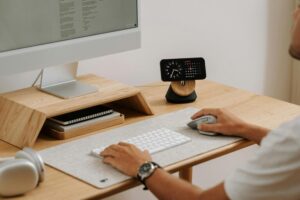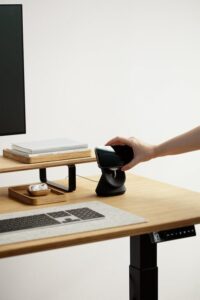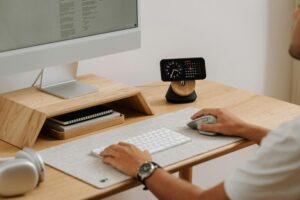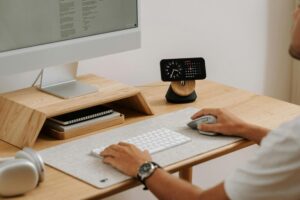
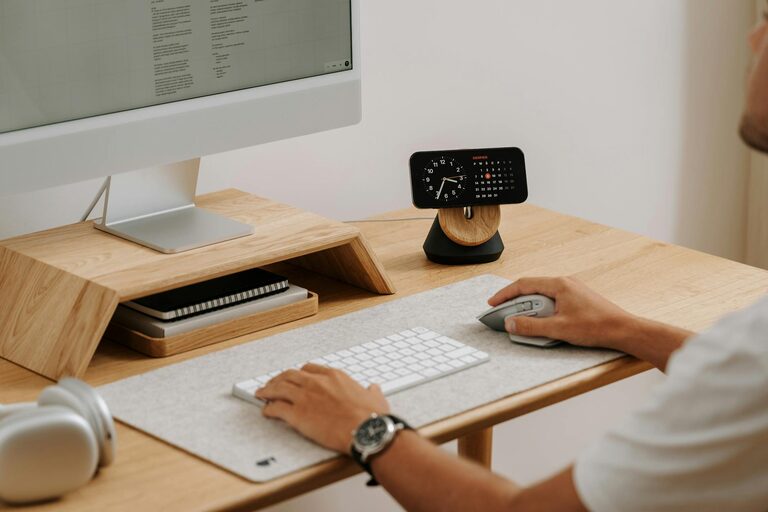
Creating a home office that feels calm and encourages productivity can make a significant difference in your workday. Whether you’re working full-time from home or just need a dedicated space for occasional tasks, a well-designed environment helps reduce stress and improve concentration. Here are practical tips to help you create a calming and productive home office space.
Choose the Right Location
Quiet and Private Space
Select a spot that’s away from the busiest parts of your home if possible. A quiet corner, spare room, or dedicated nook helps minimise distractions and allows you to focus better.
Consider Natural Light
Natural light can boost your mood and energy levels. Try to position your desk near a window to benefit from daylight. Avoid glare on your computer screen by ensuring direct sunlight doesn’t hit it.
Invest in Comfortable Furniture
Ergonomic Chair and Desk
An adjustable chair with good lumbar support helps prevent back pain during long hours of sitting. Pair it with a desk at the right height for comfortable typing and writing.
Declutter Your Desk
A clear workspace promotes clear thinking. Keep only essential items on your desk to reduce visual distractions and improve focus.
Use Calming Colours and Decorations
Choose Soothing Colours
Soft blues, greens, or neutral tones can create a relaxing atmosphere. Avoid overly bright or harsh colours that might cause agitation or fatigue.
Add Personal Touches Wisely
Include a few personal items that make you happy, like a favourite photo, small plants, or a piece of art. Resist overdecorating to keep the space clutter-free.
Incorporate Plants for Freshness and Calm
Plants not only purify the air but also help reduce stress and improve concentration. Easy-to-care-for plants like snake plants, pothos, or succulents are ideal for home offices.
Control Noise Levels
Use Noise-Cancelling Tools
If external noise is an issue, consider noise-cancelling headphones or white noise machines to create a more peaceful environment.
Soundproof the Room
Soft furnishings like rugs, curtains, and cushions help absorb sound and reduce echo, improving audio quality during calls and limiting distractions.
Organise Your Workspace Efficiently
Storage Solutions
Use drawers, shelves, or filing cabinets to keep documents and supplies organised and out of sight when not in use.
Digital Organisation
Keep your computer desktop tidy by organising files into folders and regularly deleting unneeded documents to speed up your workflow.
Set Up Proper Lighting
Mix Natural and Artificial Light
Alongside natural light, use task lighting such as desk lamps to reduce eye strain. Adjustable lamps allow you to direct light where needed most.
Avoid Harsh Lighting
Opt for bulbs with a soft, warm glow instead of bright, cold fluorescent lights which can be tiring and harsh on the eyes.
Maintain Good Air Quality
Ventilation
Ensure your workspace has good airflow, whether from an open window or a fan, to keep the air fresh and prevent stuffiness.
Air Purifiers
Consider an air purifier if your space tends to be dusty or if you have allergies; this can help maintain a healthier indoor environment.
Establish a Routine and Boundaries
Set Work Hours
Define clear start and finish times for your workday to separate professional life from personal life, which helps reduce burnout.
Create Transition Rituals
Start and end your workday with small rituals, such as organising your desk or going for a short walk, to mentally signal the change in focus.
Take Regular Breaks
Follow the 20-20-20 Rule
Every 20 minutes, look at something 20 feet away for 20 seconds to reduce eye strain.
Move Around
Stand up, stretch, or walk briefly to keep your body active and prevent stiffness.
—
Creating a home office that is both calming and productive doesn’t require a complete redesign. Small, thoughtful changes to your workspace can create a welcoming atmosphere where you feel comfortable and motivated to work. By choosing the right location, incorporating natural elements, organising your environment, and maintaining healthy habits, you can enjoy a better work-from-home experience.